Estate Planning
How to Organise Your Important Documents Before Something Happens
Most people assume their family knows where everything is.
The insurance policies are “somewhere in a folder.” The will is “in a safe place.” The passwords are “written down somewhere.”
Until one day, someone needs that information and discovers nobody knows where to find it.
Whether it’s an unexpected illness, an accident, or simply getting older, having your important documents organised is one of the most practical things you can do for the people you love.
The good news? You don’t need to spend weeks creating complicated filing systems.
This guide will show you exactly how to organise important documents, what to gather, where to store them, and who should have access.
Why Organising Important Documents Matters
When families suddenly need access to important information, they’re often forced into detective mode.
They search through drawers, filing cabinets, email inboxes, cloud storage accounts, and stacks of paperwork trying to piece together someone’s life.
In many cases, critical information is missing:
- Insurance policies can’t be found
- Bank accounts are unknown
- Property documents are misplaced
- Medical information is unavailable
- Digital accounts are inaccessible
- Emergency contacts aren’t documented
This creates stress, delays important decisions, and can even lead to financial losses.
Organising your documents ahead of time removes that burden from your family.
What Documents Should You Gather?
If you’re wondering where to start, focus on the documents your loved ones would need if they suddenly had to manage your affairs.
Identity Documents
These establish who you are and are often needed for legal and financial processes.
Examples include:
- Passport
- Driver’s licence
- Birth certificate
- National ID card
- Marriage certificate
- Citizenship documents
Keep copies alongside information about where the originals are stored.
Financial Information
Many families struggle most with financial information because it’s often spread across multiple institutions.
Gather details for:
- Bank accounts
- Savings accounts
- Investments
- Retirement accounts
- Pension information
- Loans and debts
- Credit cards
- Cryptocurrency holdings
You don’t necessarily need account balances, but knowing the accounts exist can be invaluable.
Insurance Policies
Insurance is frequently overlooked until it’s urgently needed.
Collect information for:
- Life insurance
- Health insurance
- Home insurance
- Vehicle insurance
- Travel insurance
- Income protection policies
Include policy numbers, provider names, and contact information.
Property and Assets
Make it easy for your family to understand what you own.
This may include:
- Property deeds
- Mortgage documents
- Vehicle ownership papers
- Valuable collections
- Business ownership records
Legal Documents
Legal paperwork is often stored in different locations and forgotten over time.
Examples include:
- Will
- Power of attorney
- Trust documents
- Guardianship instructions
- Advance healthcare directives
Record where the originals are kept and who prepared them.
Medical Information
If you become incapacitated, medical information becomes critical.
Include:
- Existing conditions
- Current medications
- Allergies
- Blood type
- Healthcare providers
- Medical insurance details
Emergency Contacts
Don’t assume everyone knows who should be contacted.
Create a list that includes:
- Spouse or partner
- Children
- Close relatives
- Family doctor
- Solicitor or attorney
- Financial advisor
Digital Accounts
This category has become increasingly important.
Think about:
- Email accounts
- Social media accounts
- Cloud storage
- Subscription services
- Online banking
- Business accounts
Many families can access physical paperwork but become completely stuck when digital accounts are involved.
The Best Way to Organise Important Documents
The most effective system is usually the simplest one.
Step 1: Create Categories
Rather than storing everything in one giant folder, organise documents into logical categories.
For example:
Identity
Passports, IDs, certificates.
Financial
Bank accounts, investments, pensions.
Insurance
All active policies.
Property
Homes, vehicles, assets.
Legal
Wills and legal documents.
Medical
Health-related information.
Digital Accounts
Online services and account details.
Emergency Contacts
Important people and their contact information.
This structure makes it easier for both you and your family to locate information quickly.
Step 2: Store Physical Documents Safely
Some original documents still need physical storage.
Good options include:
- Fireproof document safe
- Locked filing cabinet
- Secure home safe
- Safety deposit box
Whatever you choose, make sure at least one trusted person knows where these documents are stored.
A perfectly organised safe is useless if nobody knows it exists.
Step 3: Create Digital Copies
Digital copies act as a backup and make information easier to access.
Scan:
- Passports
- Insurance policies
- Property documents
- Wills
- Certificates
Store them securely rather than leaving them scattered across devices and email accounts.
Step 4: Keep Everything in One Master Location
One of the biggest mistakes people make is storing information in multiple places.
For example:
- Insurance in one drawer
- Property documents in a filing cabinet
- Passwords in a notebook
- Medical information on a phone
- Account details in email
A centralised system dramatically reduces confusion.
This is one reason digital life vaults have become increasingly popular. They allow families to locate information without searching through dozens of locations. AllSet was designed specifically to help people organise these categories in one secure place. The platform guides users through collecting identity documents, financial information, insurance policies, emergency contacts, digital accounts, and other critical information in a structured way.
Who Should Have Access?
One of the most common questions people ask is:
“Should I give someone access now?”
The answer is usually yes—but carefully.
Choose one or two trusted people who would realistically need the information.
This might be:
- A spouse
- Adult child
- Sibling
- Executor
- Attorney
The goal isn’t to give everyone access.
It’s to ensure someone can find what they need if you’re unable to provide it yourself.
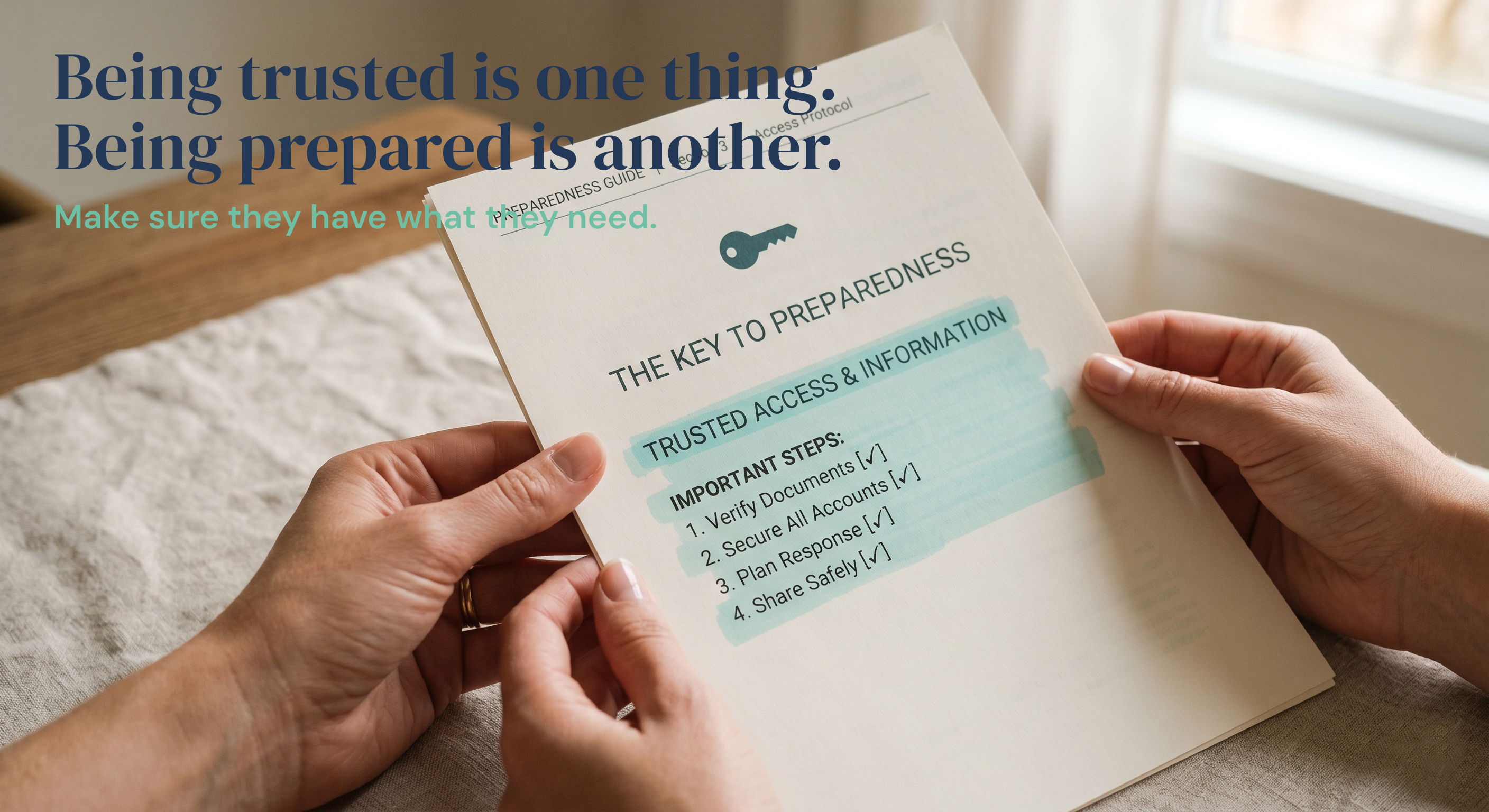
Many modern digital vault systems use emergency access methods such as trusted contacts or printable access keys so the information remains secure while still being available when needed.
Common Mistakes to Avoid
Waiting Until Later
Most people assume they’ll get organised eventually.
Unfortunately, life doesn’t always provide advance notice.
Only Storing Paper Copies
Paper can be lost, damaged, or difficult to access.
Always maintain digital backups.
Forgetting Digital Assets
Online accounts are often among the most difficult things for families to locate and manage.
Never Updating Information
A document organisation system isn’t a one-time task.
Review it at least once per year.
Keeping Everything Secret
Security matters.
But if nobody knows where information is stored, the system fails when it’s needed most.
Quick Checklist: How to Organise Important Documents
If you want a simple action plan, follow this checklist:
✅ Gather identity documents
✅ List financial accounts
✅ Collect insurance policy information
✅ Record property and asset details
✅ Organise legal documents
✅ Document medical information
✅ Create an emergency contact list
✅ List important digital accounts
✅ Create digital backups
✅ Store everything in one secure location
✅ Share access instructions with a trusted person
Frequently Asked Questions
What are the most important documents to organise first?
Start with identity documents, financial accounts, insurance policies, legal documents, and emergency contacts. These are usually the first things families need during an emergency.
Where is the safest place to store important documents?
Physical originals should be stored in a secure location such as a fireproof safe. Digital copies should be stored in a secure, encrypted system that trusted people can access if necessary.
How often should I update my documents?
Review your information at least once per year or after major life events such as marriage, divorce, buying property, changing jobs, or having children.
Should I store passwords with my important documents?
You should have a secure plan for digital account access. Many people use password managers, while others use secure digital vaults that include account information and access instructions.
What happens if my family doesn’t know where my documents are?
They may face delays, increased stress, additional legal costs, and difficulty locating assets or accounts. That’s why having a centralised system and trusted access plan is so important.
Final Thoughts
Organising your important documents isn’t really about paperwork.
It’s about making life easier for the people you care about.
The best time to get organised is before anyone needs the information.
Start small. Gather your key documents. Create a simple structure. Store everything securely. Make sure at least one trusted person knows how to access it.
A few hours of organisation today could save your family weeks of stress in the future.
If you’re looking for a simple way to bring everything together, AllSet helps you organise your life information, documents, contacts, and instructions in one secure place, so the people you love aren’t left searching when it matters most.