Estate Planning
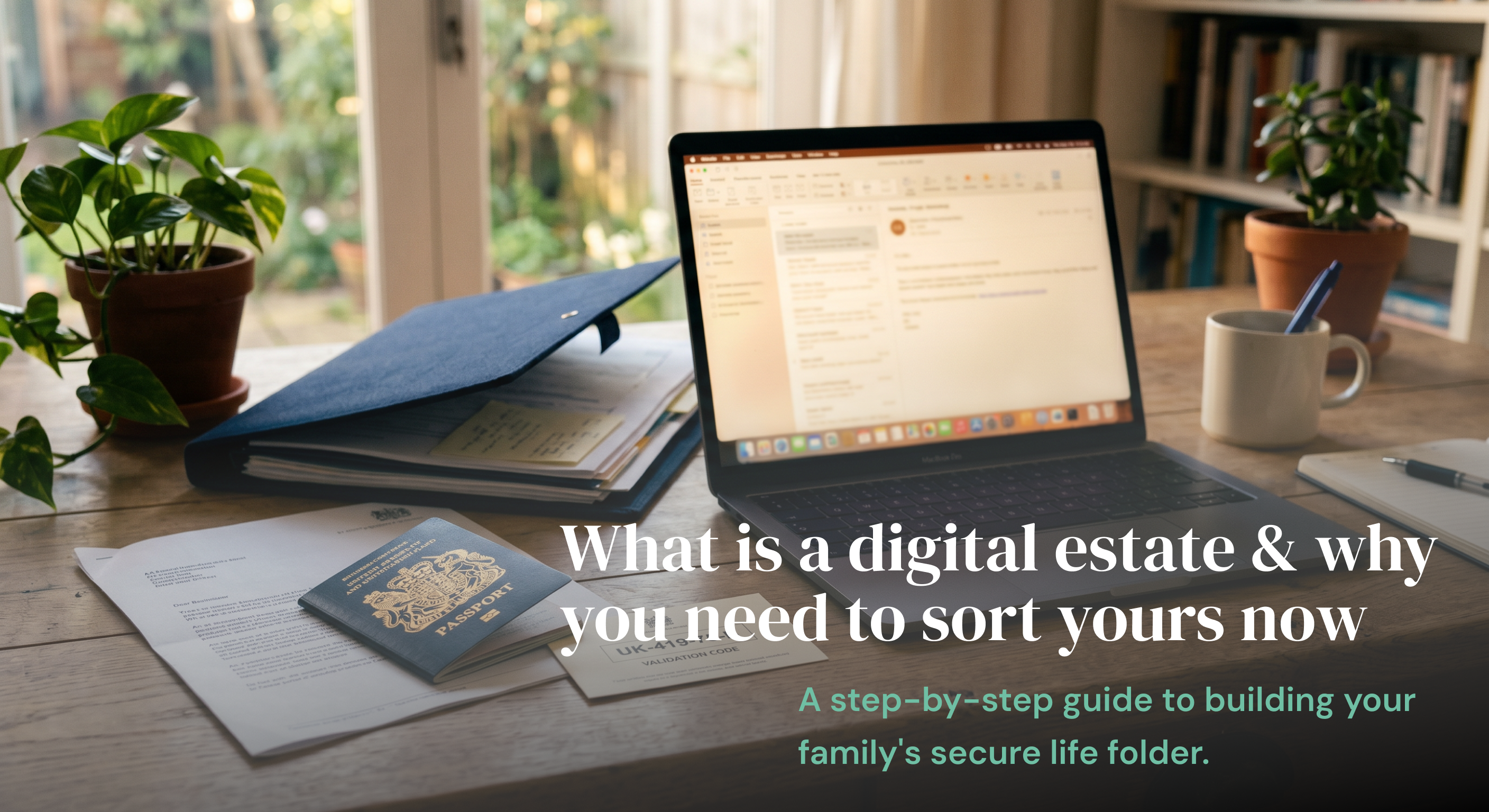
What is a digital estate and why you need to sort yours now
A few years ago, a friend told me something I haven’t been able to shake.
After her father passed away, the family spent months trying to piece together his life. Not emotionally, they were already drowning in that. Practically. Nobody knew which bank he used. Bills kept arriving for subscriptions nobody recognised. There were photos somewhere in the cloud, but no one knew where, or how to get in.
The hardest part? Her father was organised. He just hadn’t organised his digital life.
Modern life doesn’t live in a filing cabinet anymore. It lives across phones, laptops, inboxes, apps, cloud storage, banking portals, and dozens of online services most families don’t even know exist.
That entire footprint? That’s your digital estate. And most people have never heard the term.
So what actually is a digital estate?
It’s everything connected to your life that lives online or on a device.
The obvious stuff: online banking, email, insurance portals, cloud storage, passwords, pension accounts.
The stuff people forget: photos backed up to iCloud or Google Photos, crypto wallets, loyalty points, utility logins, subscription services, the domain name you registered years ago, the notes app where you keep everything.
Most of us build a digital estate slowly, without noticing. And then, if something happens, the people we love are left navigating it without a map.
Why not just use a password manager?
This comes up a lot, so it’s worth being direct about it.
Password managers: 1Password, Bitwarden, LastPass are excellent tools. If you’re not using one, you probably should be. They solve a real problem: keeping your login credentials secure and accessible to you.
But they only solve access.
They don’t explain which accounts actually matter. They don’t store your insurance policy documents, your property deeds, or your medical information. They don’t tell your family that you have a pension with a specific provider, or where your will is. They don’t give a trusted person structured, readable access to your life. They give them a list of logins and no context for what to do with them.
A digital estate plan is broader than that. It’s context, not just credentials.
Think of a password manager as one drawer in the filing cabinet. A digital estate plan is the whole cabinet tht is labelled, organised, and ready for someone else to open if they need to.
What should actually be in one?
You don’t need to overcomplicate this. Start with five areas:
Identity documents: passport, ID, driving licence, birth certificate. These are often needed immediately and are surprisingly hard to locate in a crisis.
Financial information: bank accounts, investments, pensions, loans. Your family doesn’t need every password, but they need to know what exists and where to start.
Insurance policies: life, home, health, car. Many families only discover policies after they’ve already missed a claim window. Even a simple list of providers and policy numbers makes a real difference.
Digital accounts: email, cloud storage, subscriptions, social media, any online businesses or domains you own. These are the ones people consistently overlook.
Medical and emergency information: contacts, medications, allergies, conditions, care preferences. This matters during emergencies, not just after death.
The biggest assumption people make
Most people assume their family will figure it out.
But figuring it out means: knowing which bank you use, finding login details for accounts protected by two-factor authentication, knowing whether a policy exists before calling every insurer in the country, knowing who your solicitor is, knowing which cloud service holds ten years of family photos.
Modern security systems are designed to protect your privacy. Which is good, until the right people suddenly need access and can’t get it.
I’ve spoken to people who spent weeks tracking down life insurance details. Others missed payment deadlines on accounts they didn’t know existed. Some lost years of photos because the Apple ID password wasn’t written down anywhere and the account recovery email was an old one nobody had access to.
The issue usually isn’t irresponsibility. It’s that life gets busy, and this feels like something you’ll sort later.
How to start without it feeling like a project
You do not need to organise your entire life in one afternoon.
Step 1: List your important accounts not passwords yet, just what exists. Banks, insurance, utilities, email, cloud storage, investments. Most people are surprised by how many there are.
Step 2: Gather your key documents insurance policies, property paperwork, identity documents, anything legal. Even getting these into one place is real progress.
Step 3: Pick one trusted person someone who would know where to start if something happened tomorrow. They don’t need every detail. They just need to know your system exists.
Step 4: Keep it somewhere you’ll actually update the most common failure point isn’t setup, it’s maintenance. A system only works if it stays current.
What AllSet is built for
AllSet was built for people who don’t need a complicated legal platform. They need somewhere calm and simple to organise their life.
A place to store important documents, list their accounts, keep emergency information, and share access with someone they trust, without it feeling overwhelming.
It’s not a password manager. It’s not a legal service. It’s the organised version of the box of documents most people mean to sort out and never do.
You can start with one category. One document. One hour.
Future you, and your family, will be glad you did.